
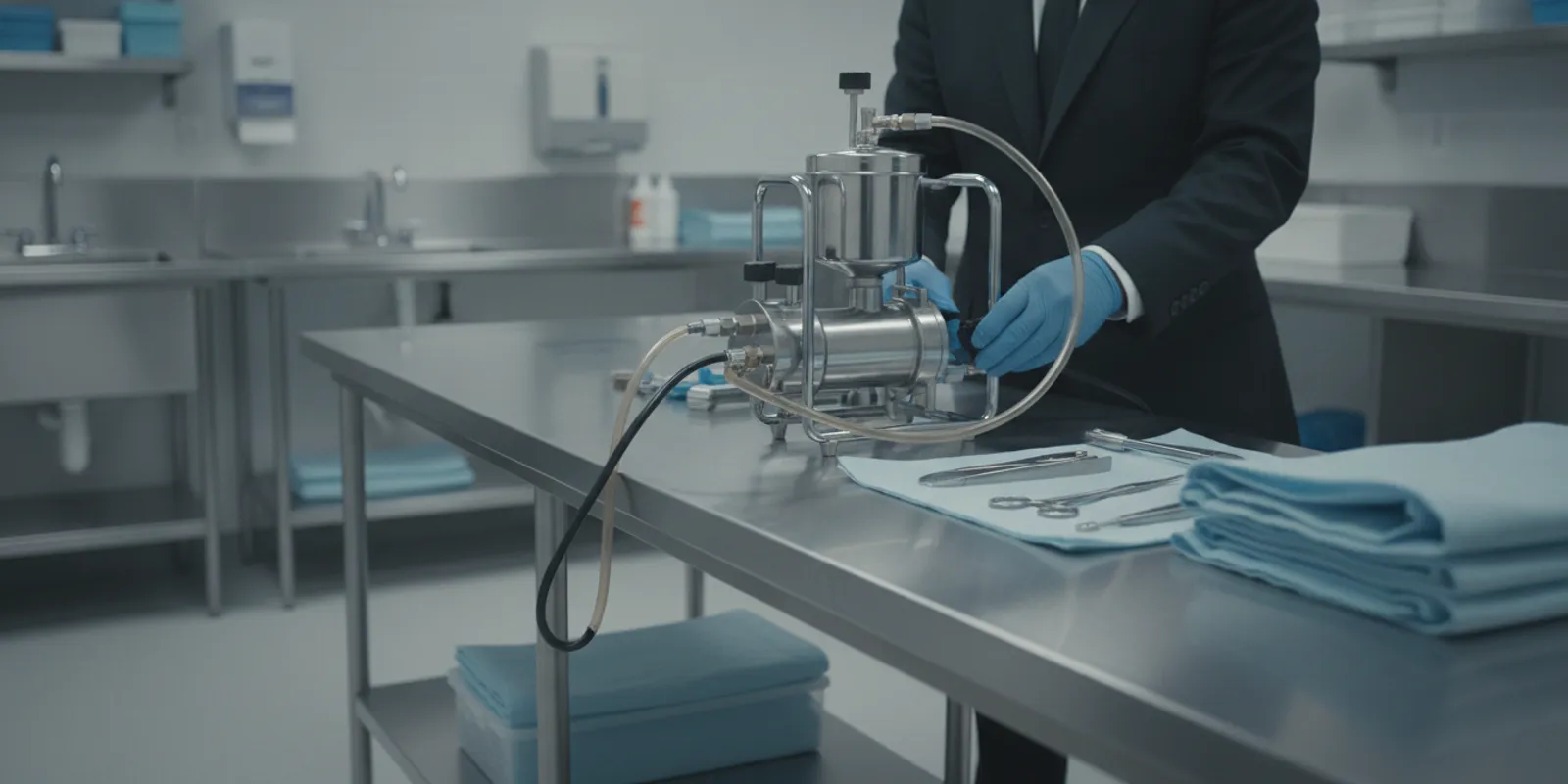
Choosing an embalming pump is less about selecting the most elaborate unit and more about finding equipment that fits the preparation room, staff practices, and service requirements. This embalming pump guide gives funeral home and crematory operators a practical way to compare operating styles, controls, compatibility, and maintenance needs without assuming that one configuration suits every facility.
Discuss embalming pump options with our team
What should an embalming pump do in your workflow?
An embalming pump supports the controlled movement of preparation fluid through the equipment and setup selected by the professional. Before comparing models, define the tasks it must support, who will operate it, and what other equipment it needs to work alongside.
Start by writing down the actual work conditions rather than relying on a generic feature list. Consider the number of people who may use the pump, how often it is used, where it will be positioned, and how staff will clean and store it. These details help separate necessary features from options that add complexity without solving a real need.
- Work pattern: Identify whether the pump is used routinely, periodically, or for a particular range of cases.
- Operator needs: Note the controls and adjustments staff need to access during use, including whether the operator must manage the pump while attending to other parts of the setup.
- Room layout: Measure the available location and consider access to power, work surfaces, fluid containers, and cleaning supplies as applicable to the specific unit.
- Existing equipment: List the connections, accessories, and supplies already used in the room. Confirm compatibility with the pump manufacturer rather than assuming fittings match.
- Care responsibilities: Decide who checks, cleans, and reports problems with the unit, and where those tasks will be recorded.
Turn these observations into a short workflow profile before requesting product information. For example, a facility that shares equipment among several operators may give extra weight to clearly understood controls, easy access to instructions, and consistent handoff procedures. A room with limited counter space may prioritize footprint and storage requirements. A team replacing an existing pump should document which parts of its current arrangement it intends to retain and verify each interface against the new unit’s instructions.
Keep the decision scoped to the pump and its immediate interfaces. This guide is not a substitute for a full preparation-room plan, an embalming machine buying guide, or a procedure manual. For a broader view of related room products, review the preparation supplies and equipment category.
Which embalming pump features deserve close review?
Focus on features that affect control, compatibility, usability, and upkeep. Product names alone do not establish what a unit can do, so compare written specifications and ask the supplier or manufacturer to clarify any terms that are unclear.
Operating method and control
Determine how the unit is operated and what adjustments are available. Ask how the operator starts, stops, and controls the pump, what feedback is provided during operation, and whether the controls can be used comfortably in the intended location. Avoid inferring pressure range, flow characteristics, or performance from a general description; verify the exact model specifications and instructions.
Make the review concrete by considering the operator’s position and normal sequence of attention. Can the operator identify the control they need without reaching across the work area? Is the stop or shutoff method clearly described in the manual? If different staff members will use the equipment, ask them to review the same instructions and note where they need clarification. These are usability questions, not a substitute for instruction or a test of performance.
Connections and system fit
Confirm the complete connection path, including the intended containers, tubing, fittings, and any accessories. Check the model’s documented compatibility and the parts supplied with it. If an existing setup uses a different connection type, ask what approved adaptation, if any, is available. Do not rely on a visual match or force a connection that does not fit correctly.
Materials and cleaning instructions
Ask which surfaces and components require routine cleaning, what products are compatible, and whether any parts need inspection or replacement on a schedule. Follow the manufacturer’s instructions for the specific model and the facility’s applicable safety procedures. Do not assume that a cleaning method suitable for one pump or accessory is appropriate for another.
Placement and operator access
Consider where the unit will sit during use and storage. Controls, shutoff points, and connections should be accessible to the operator in the intended configuration. Review the footprint, cord or power requirements where applicable, and any restrictions stated by the manufacturer. A product that fits on paper may be awkward if the room’s normal work path is blocked.
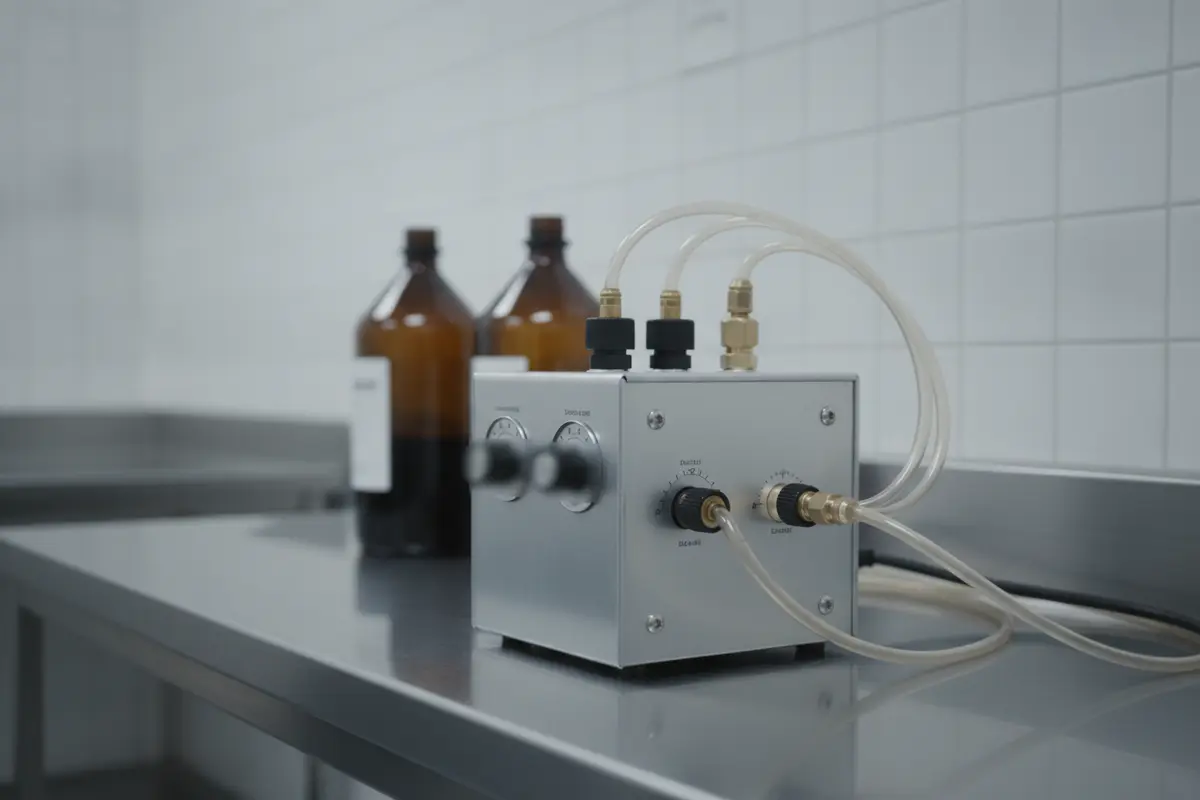
How do manual and powered pump options compare?
Manual and powered configurations can differ in how the operator supplies and controls pumping action. The right comparison is not a blanket ranking; it is whether the specific unit’s documented operation and requirements fit your work pattern, staff, and facility.
Use the table as a question framework when reviewing product information. It describes factors to verify, not a claim that all units in a category share the same features or performance.
| Comparison point | Manual operating style | Powered operating style | What to confirm |
|---|---|---|---|
| How operation is supplied | Operator provides the pumping action. | A power source operates the pump mechanism. | Confirm the exact operating method and any setup requirements in the model documentation. |
| Operator involvement | Consider the level and duration of hands-on operation required. | Consider which controls the operator must use and monitor. | Ask staff to assess usability in the actual work position. |
| Site requirements | Review placement, storage, and any model-specific connections. | Review placement, power needs, cord routing, and the manufacturer’s limitations. | Compare requirements with the room before ordering. |
| Care and inspection | Follow the specific unit’s cleaning and inspection instructions. | Follow the specific unit’s cleaning, inspection, and electrical-care instructions where applicable. | Request the care schedule and identify who will complete it. |
| Best purchasing question | Will this operation suit the team’s normal tasks and available time? | Do the controls, power arrangements, and documented capabilities fit the intended setup? | Compare the same criteria across exact models, not broad labels alone. |
For instance, a team that has limited space and rarely changes its equipment setup should check storage dimensions and the specific unit’s operating requirements first. A facility comparing powered options should document outlet or other power provisions and cord routing, if applicable, before deciding where the equipment can be used. In either case, ask operators to compare the same practical tasks rather than choosing from a product label alone. The table is a starting point for questions, not evidence that one style will suit every room.
Also ask what is included in the quoted configuration. A pump may be presented with or without accessories, and the list can affect whether the unit is ready to integrate into your existing setup. Confirm included components, optional parts, warranty terms, service contact, and expected availability before making a decision. When comparing quotes, separate equipment price from what is actually supplied: note each accessory, quantity, setup responsibility, and any item the facility must source separately. Ask that ambiguous items be clarified in writing so two offers can be compared on the same basis.
What compatibility questions should buyers ask?
Compatibility is a model-specific issue that should be confirmed in writing before purchase. A careful review of connections, accessories, operating requirements, and manufacturer guidance can prevent avoidable delays during installation or use.
- Identify the exact pump model. Record the model or item number and request its current specification sheet and operating instructions.
- Map the setup. List the components the pump will connect to, including tubing and fittings, and compare them with the manufacturer’s stated requirements.
- Confirm included parts. Ask whether required accessories are included or must be ordered separately. Clarify quantities and any model-specific options.
- Check facility requirements. Verify physical space, power needs where applicable, and any environmental or placement restrictions stated by the manufacturer.
- Ask about approved substitutions. If a component in your current setup differs from the specification, get written confirmation of an approved solution instead of improvising.
- Retain the records. Keep the specifications, instructions, order details, and supplier answers with the equipment documentation.
A simple compatibility worksheet makes the review repeatable. Make one row for each connection or accessory and record three things: what the facility currently uses, what the pump documentation specifies, and whether the supplier or manufacturer has confirmed a match. Mark unanswered points as open rather than assuming they are compatible. For example, a fitting that appears to attach may still differ in size or intended use; only documented compatibility should close that question. Save the answer with the model number so a later buyer or operator does not have to repeat the investigation.
Related preparation products may be part of a room’s broader supply plan, but they do not establish pump compatibility. For instance, Vischer lists steel embalming supplies and a range of medical products; check each product’s own details against the pump maker’s instructions.
How can a team assess an embalming pump before ordering?
A short, structured review helps operators compare models consistently and document why a choice fits. Include the people who will use and care for the pump, and ask the supplier to answer technical questions against the exact model under consideration.
- Test the information, not just the sales description. Request the operating manual, specifications, included-parts list, care instructions, and warranty details.
- Walk through a typical setup. Use the room layout and existing equipment list to check reach, placement, access, and connection questions.
- Evaluate the controls. Where a demonstration or product review is available, have intended operators assess whether the controls and feedback are clear to them.
- Compare total readiness. Note what needs to be ordered in addition to the pump, what setup is required, and what training or documentation staff need.
- Review service arrangements. Ask who to contact with a question, how warranty issues are handled, and what information the supplier needs to identify the unit.
- Record the decision. Save the comparison and unresolved questions so the team can revisit them if the room or workflow changes.
To avoid comparing unlike information, use the same questions for every candidate and assign one person to collect the answers. Keep the response tied to the exact model and configuration. If one supplier describes a standard unit and another describes a package with additional accessories, make that difference visible rather than reducing both to a short product name. The team can then distinguish a genuine preference from missing information.
A small group review can also surface different priorities. The operator may focus on control placement, the person responsible for supplies may focus on included parts and storage, and the manager may need warranty and service details. Let each reviewer identify must-haves, acceptable trade-offs, and unresolved questions. If staff disagree, return to the facility’s written workflow profile and model documentation. This keeps the selection grounded in practical requirements rather than personal preference alone.
Do not use a demonstration as a substitute for the manufacturer’s written instructions. It can help staff assess usability, but the equipment’s documented limits and approved operating practices remain the reference for that model.
What routine care should be part of the plan?
Routine care should follow the pump manufacturer’s instructions and the facility’s established safety practices. A simple assigned checklist can make it easier to spot visible issues, keep documentation together, and escalate concerns before the unit is needed.
Build the checklist from the manual rather than copying a generic schedule. Depending on the model and instructions, staff may need to review the exterior, accessible connections, controls, power components, and accessories. Only include checks that the manufacturer permits operators to perform.
For general workplace safety information, consult OSHA’s official website alongside facility procedures; this equipment guide does not replace applicable safety requirements.
- Confirm the pump is stored in the designated location and that its instructions are available.
- Look for visible damage, loose or worn components, leaks, or other changes that warrant taking the unit out of service and reporting the issue under facility policy.
- Clean the unit and compatible accessories as directed by the manufacturer and applicable facility procedures.
- Check that components are present and that connections are in serviceable condition before the next intended use.
- Record inspections, cleaning, repairs, and reported concerns according to the facility’s documentation practice.
- Ask a qualified service contact about suspected internal, electrical, or mechanical faults rather than opening or repairing parts without authorization.
Make the record useful to the next operator. A log can identify the equipment by model or asset number, record the date and assigned role, and note the check performed, any issue found, and where the issue was escalated. The log should not encourage staff to disassemble or service components beyond their training or the manufacturer’s instructions. If a problem is found, follow facility policy for identifying the equipment as unavailable and documenting when it is cleared for use.
Keep the inspection process practical. Assign responsibility by role or shift, state where a problem is reported, and make clear that a questionable unit should not be used until the concern is resolved under facility procedures. Pair pump care with an organized supply area; items such as protective gloves and sharps containers have their own selection and handling requirements and should be managed according to their product instructions and workplace practices.
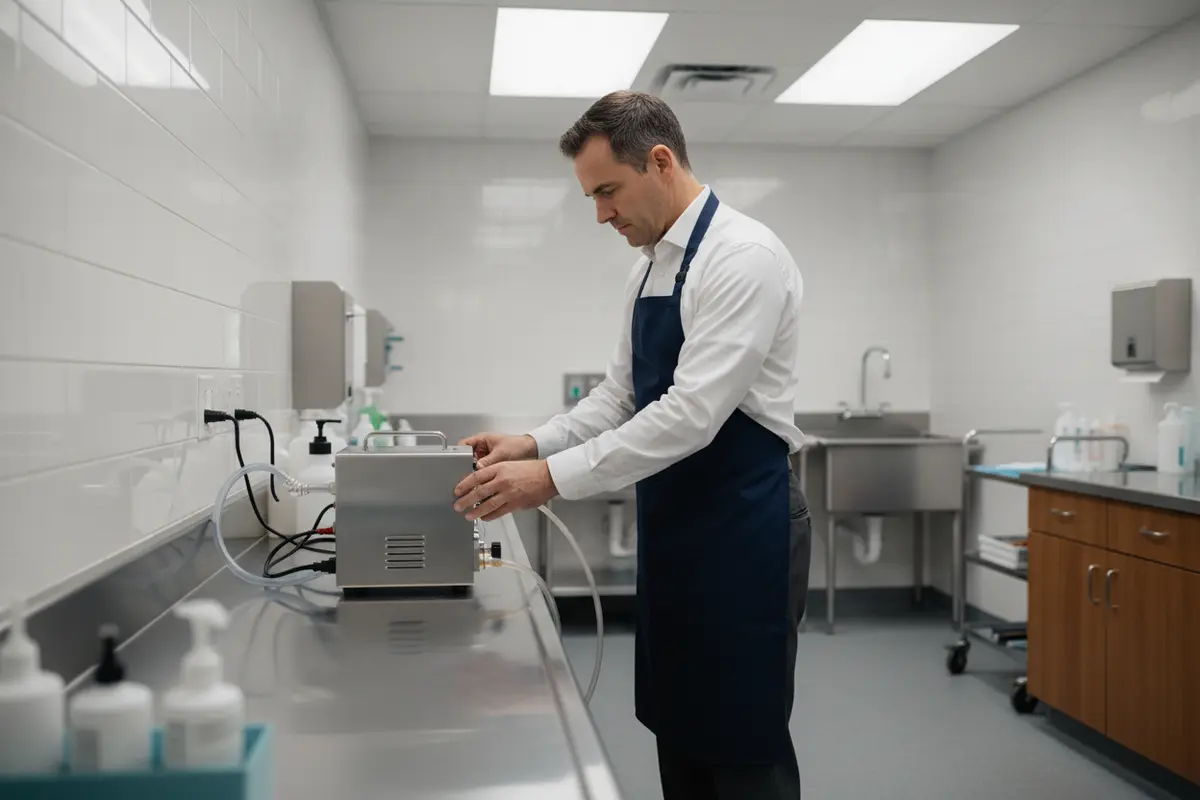
How should the facility prepare for delivery and setup?
Before ordering, agree on who will receive the equipment, review its documentation, and confirm any setup questions with the manufacturer or supplier. This simple preparation helps the team check the delivered model against the order and avoid relying on assumptions during initial use.
- Confirm the order details. Match the model, options, accessories, and delivery arrangements to the written quote or order confirmation.
- Choose the placement. Check dimensions and stated site requirements against the intended location, and keep the normal work path accessible.
- Review the documentation. Locate operating, cleaning, maintenance, and warranty information; share it with the staff responsible for the equipment.
- Inspect on receipt. Compare the delivered items with the order and report visible damage or missing parts through the supplier’s stated process.
- Resolve setup questions first. Follow the model instructions and ask the appropriate support contact about any unclear connection, installation, or operation issue.
- Introduce the equipment to users. Make sure operators know where the instructions are, how concerns are reported, and who is authorized to address service questions.
Before the delivery date, prepare a receiving checklist that mirrors the written order: model identifier, selected configuration, listed accessories, documentation, and any agreed delivery or setup details. Designate someone to compare the shipment to this list and record discrepancies promptly. If equipment arrives with an unfamiliar component or a document is missing, obtain clarification before putting the unit into the workflow. This simple pause protects the record of what was purchased and gives the supplier a clear description of the question.
A dependable purchase is supported by clear records as much as by the equipment itself. Keep the order, model information, manuals, service details, and maintenance log together so staff can find them when the unit needs attention.
How can operators make a final selection?
The strongest choice is the model that meets documented needs, fits the room, and can be supported through clear instructions and service contacts. Use a written scorecard to compare candidates on the same points and to identify anything that still needs verification.
A simple scorecard can include these fields:
- Exact manufacturer and model
- Operating method and controls, as confirmed by the manual
- Compatibility with the facility’s documented setup
- Required power, space, and placement conditions
- Included accessories and any separate items needed
- Cleaning, inspection, and maintenance instructions
- Warranty and service contact information
- Quote details, availability, and unresolved questions
To make the scorecard actionable, separate confirmed requirements from preferences. Mark each line as confirmed, not applicable, or awaiting an answer, and identify who will follow up on open items. A candidate should not appear ready merely because most rows are complete if a key connection, site requirement, or care instruction remains unknown. A written record also helps the facility revisit the decision when staff roles, room layout, or supporting equipment change.
Ask each supplier the same questions, then compare documented answers rather than broad claims. If a critical specification or compatibility point remains unclear, pause the order and request clarification. A deliberate review makes it easier to choose equipment that staff can operate and maintain in the context of their real preparation-room workflow.
For help reviewing available equipment and related preparation supplies, contact Vischer Funeral Supplies to discuss your requirements.
Ask our team about your equipment selection
With model-specific documentation, a clear compatibility check, and assigned routine care, your team can make an informed embalming pump decision that fits its facility and professional practices.